INTRODUCING SKOPPE LINK
One link. Everyone connected.
Your plans, files and jobsite information — always within reach, always connected to your project.
CEDAR HOUSE · SAMPLE PROJECT
Construction plans
Selected project files. One shared destination.
CEDAR HOUSE · SAMPLE PROJECT
Construction plans
Selected project files. One shared destination.
01 / ONE SOURCE. ALWAYS CURRENT.
Update the file. Not everyone you sent it to.
Share a folder once. As you update the content available at that destination, your shared link stays the same.
CEDAR HOUSE · SAMPLE PROJECT
Construction plans
Selected project files. One shared destination.
SAME DESTINATION. CONNECTED PEOPLE.
Illustrative demonstration — update the drawing to see the connection.
Folder access reflects available shared content. This sample does not demonstrate revision comparison, approvals or automatic recipient notifications.
SHARE IT HOWEVER YOU WANT
Send it. Share it. Put it on the wall.
The same shared destination, wherever your team needs it. Copy the link into an email, a message or a printed QR poster.
BRING INFORMATION INTO THE FIELD
The information is right where the work happens.
Scan a QR code to open the plans, details or shared jobsite information associated with that location.
Construction Plans

SCAN TO OPEN ↗
CEDAR HOUSE / SHARED WITH YOU
Construction plans
The drawings made available to your team.
Shared contentScan and open shared drawings.
Sample views. Public access depends on an active shared link and its permissions.CONNECT EVERYONE DOING THE WORK
Not everyone needs the software.
Everyone needs the information.
A simple scan can connect the people doing the work to the information shared with them.
Active public links make selected information accessible without a full account. Expiration and revocation still apply.
FROM YOUR PROJECT WORKSPACE
A link to more than a file.
Skoppe Link extends your project information beyond the people logged into your construction management platform.
Meet the complete Skoppe workspace →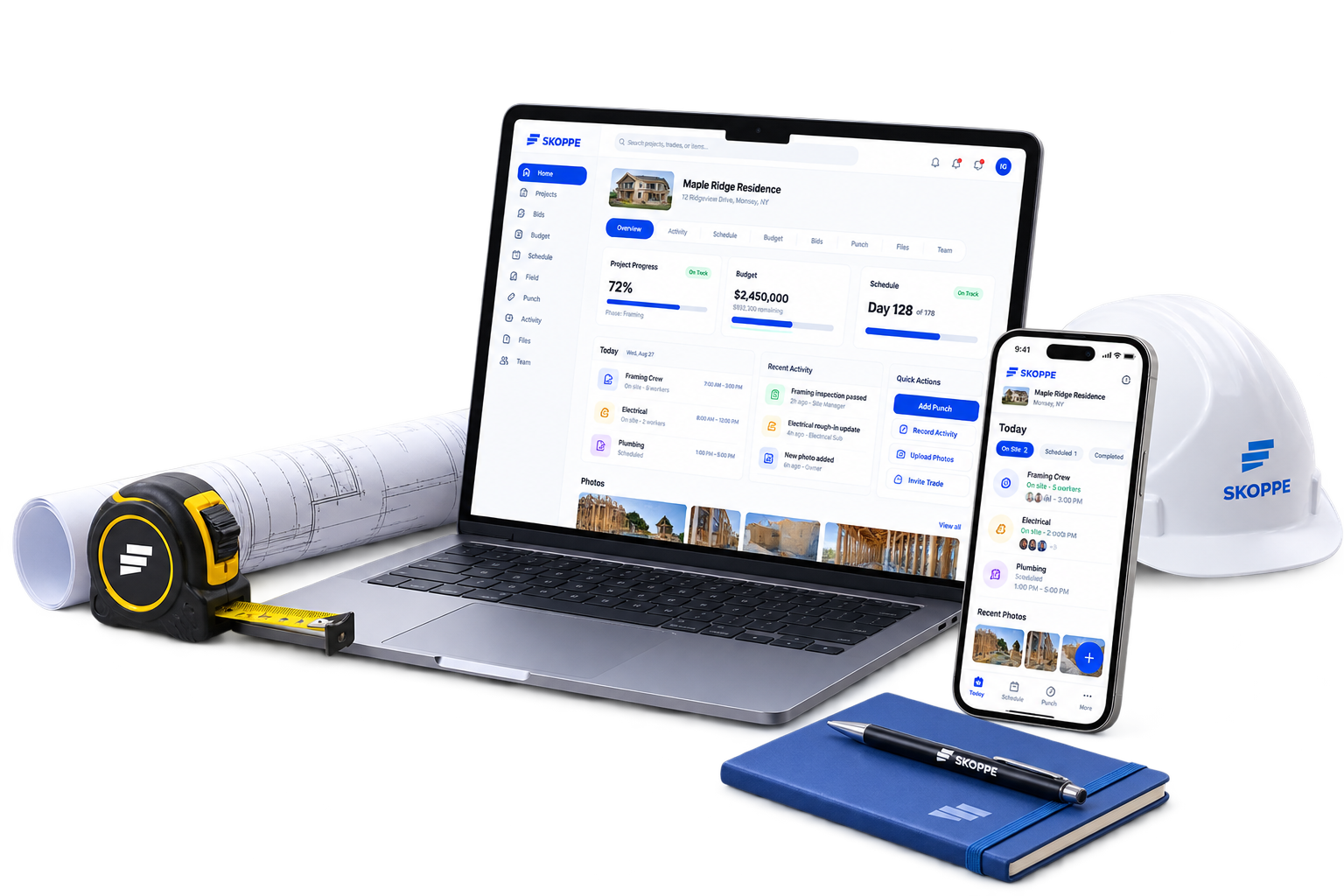
THE SAMPLE DESTINATION
Different ways in.
The same shared content.
This public demonstration contains sample data only. No private project is connected.
CEDAR HOUSE · SAMPLE PROJECT
Construction plans
Selected project files. One shared destination.
A FEW USEFUL DETAILS
Clear access.
Connected information.
Do recipients need a Skoppe account?
An active public link can open the selected shared tool and its linked content without a Skoppe account. Private project content stays private. Anyone holding a public link can access what it exposes, until it expires or is revoked.
What stays connected when files change?
Public tool links resolve the content attached to that tool. Shared folders expose the files currently available within the permitted folder. File replacement is a separate project operation; the underlying document identity must be preserved. A public destination is not a revision approval or superseded-plan warning system.
Can I control public access?
Public tool links support expiration, revocation and a download option. The link shares the selected tool and its linked folders, rather than granting access to the entire project.
What is being explored next?
Spanish-language access, worker photo uploads, punch status updates, completion confirmations and work-duration tracking are roadmap concepts for the Link experience. They are not offered as capabilities on these pages.
PART OF SKOPPE TOOLS
One project. One source.
Everyone connected.
From the latest shared drawing to the details posted on site, keep your team connected with Skoppe Link.
Explore Skoppe ↗Discover Skoppe Tools →